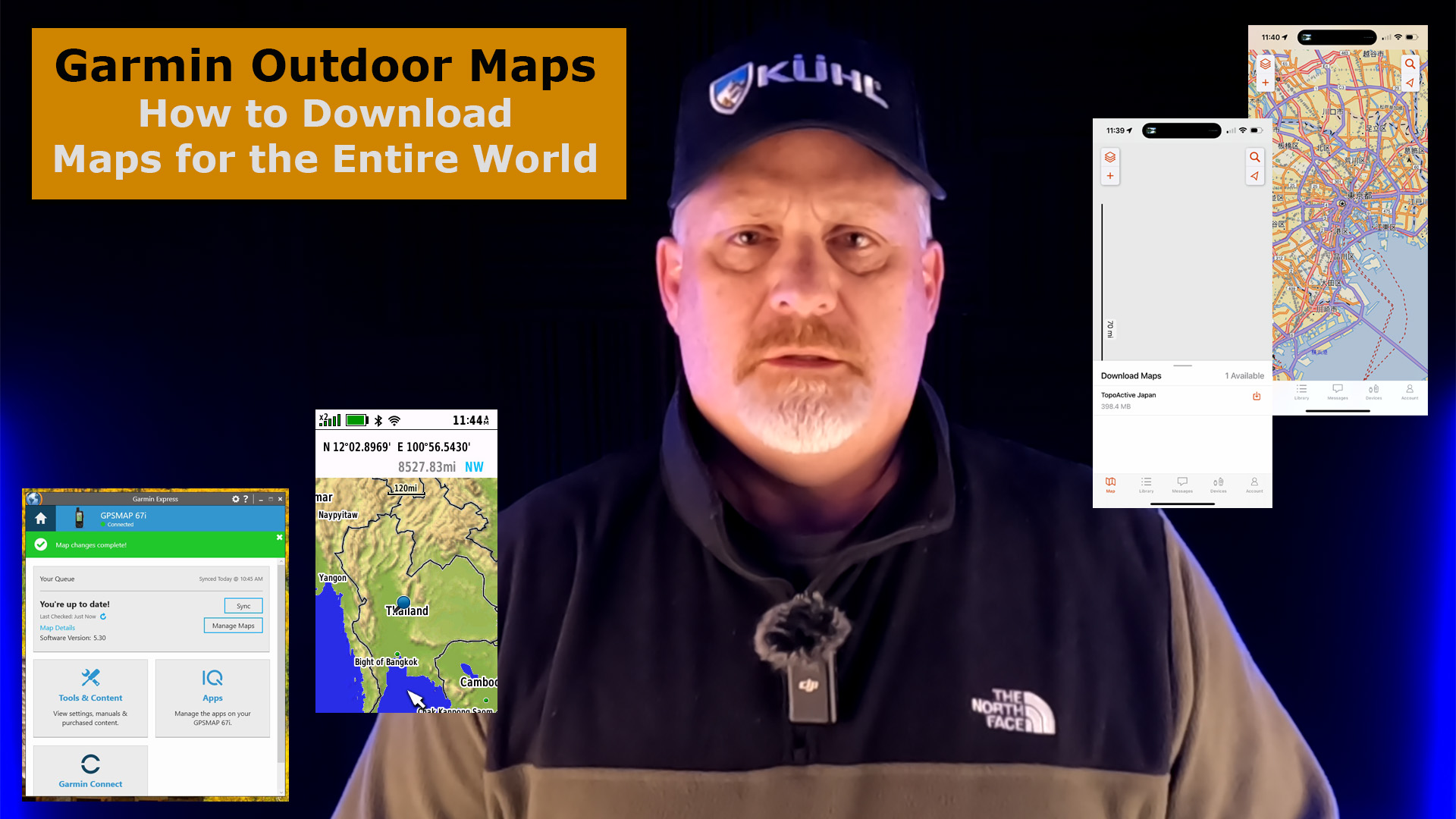
How to download maps Worldwide on the Garmin GPSMAP 67i.

Maps on Garmin.com
The first place I looked for maps was on Garmin.com. There are maps here but they are maps with additional information that cost money, and this is not the place to go if you want to download maps anywhere in the world when you purchase the Garmin GPSMAP 67i.

You need to go to the Garmin Express software. Check out the next section to see how I downloaded maps for Thailand, Japan and Korea.
Maps on Garmin Express
Go into your Garmin Express software if you want free maps of the entire world with the purchase of your GPSMAP 67i.

Make sure you device is up to date with its software than select MANAGE MAPS. Now you will see a list of worldwide maps you can select to download.

Now, select the region you want.

I wanted Thailand so the only one I could find that looked like it may be the region was SGMYVNPH. I was able to select VIEW to make sure I had the right region.

Now that I knew I have the correct region, I selected the map and also selected APPLY CHANGES.

After I finished downloading several regional maps, my Garmin Express Maps page looked like this.

You may think this is all there is to it but you would be wrong. Now go into you GPSMAP 67i or the Explore App and go pan over to the region and start zooming in. You will see that you have a download available. Select it and now you will see more detailed information in that region.

Note: I was also able to see additional map updates later in the Garmin Express software, so make sure you check back to see if map updates are available.
Final Thoughts
Now you should be ready for your adventure, but make sure you check for the map downloads and the map updates, and then view the area to see if you have all the map detail you are expecting. If you don’t see what you’re looking for, then feel free to contact me or contact Garmin Technical Support.
Watch this YouTube video below for more information.
No products found.

Return to Home Page