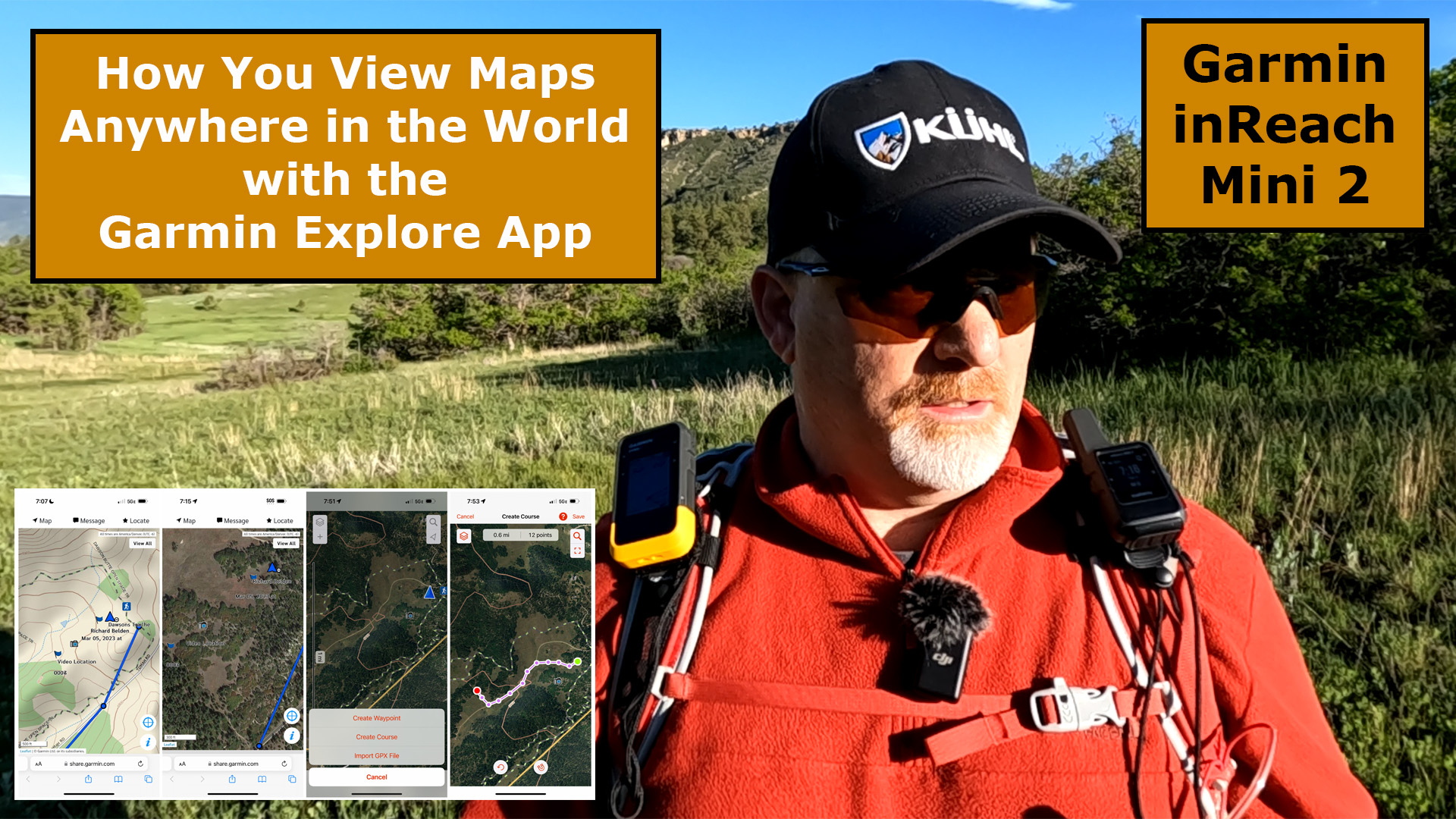
How do you get Worldwide Maps on the Garmin inReach Mini 2? You have to use the Garmin Explore App and sync your Mini 2 to the App.

Garmin Explore App
You cannot view maps on the Mini 2 itself, but you can see maps when the device is synced to the Garmin Explore App. Make sure you download and setup the Explore App before heading out on your adventure.
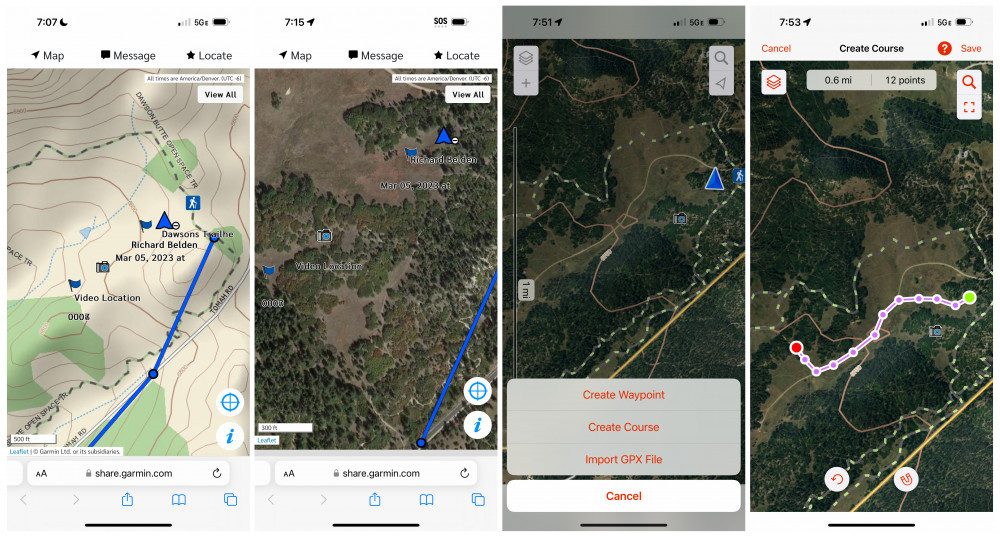
Here are some images of what the maps look like on the Explore App when you have your Garmin inReach Mini 2 synced with it.
Final Thoughts
I know this is a short article but there’s not much to this, other than downloading the Explore App and then setting it up so it sees and syncs with your smartphone.
Let me know if you have any questions or have problems with viewing the maps and creating courses on the Explore App.
Watch this short YouTube video below for more information.
No products found.

Return to Home Page