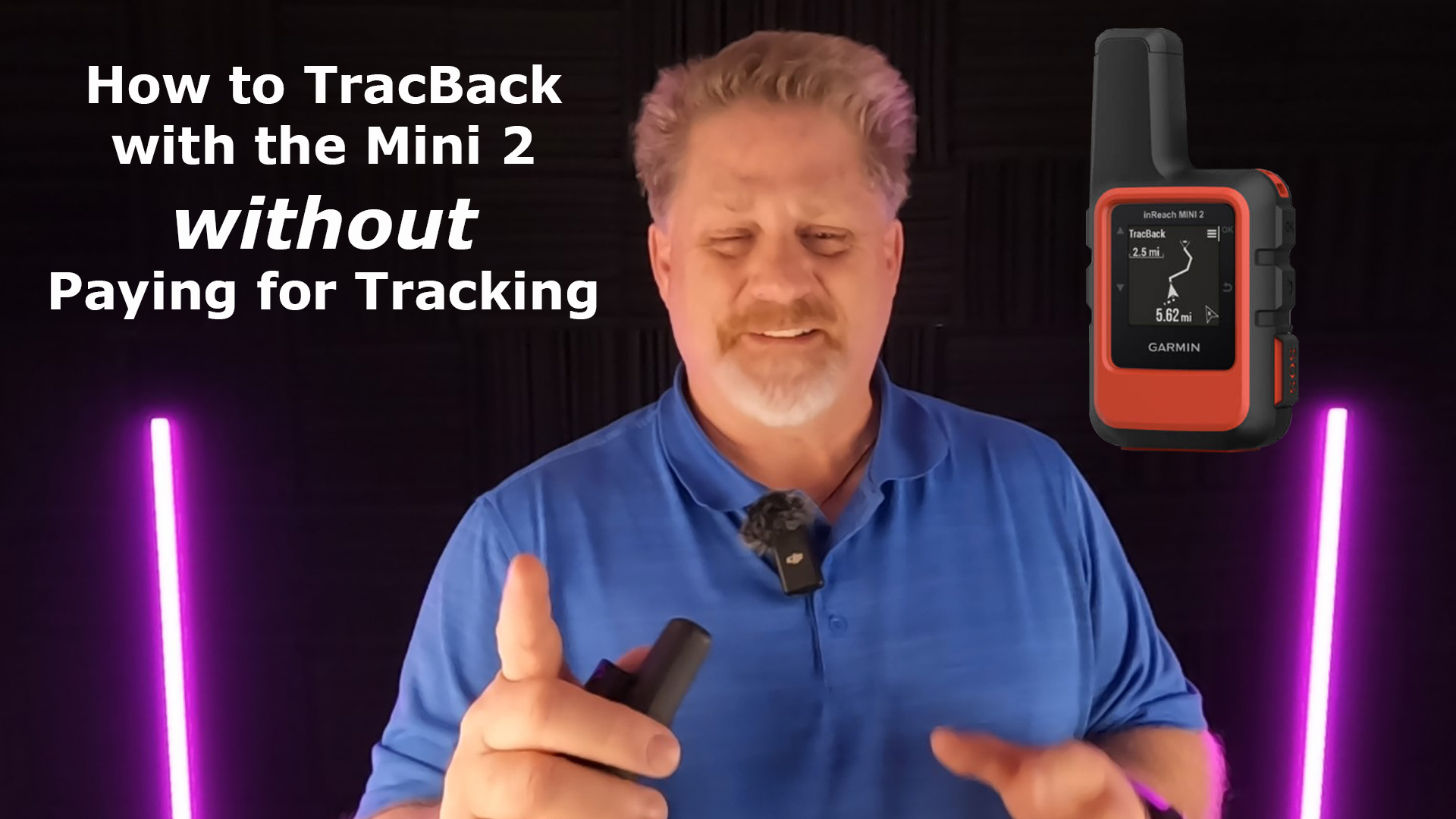
A question came to me this week about How to Tracback with the Mini 2 without Paying for Tracking if you have a Safety or Recreation subscription plan.

I talked to Garmin Technical Support today and they told me how to Tracback without using tracking.
Two Ways to TracBack without Tracking
- Navigate by a route and then stop navigating and Tracback to Start
- Turn of Tracking, then Start Tracking. Then you can Tracback to Start
TracBack after Following a Route
The first and easiest way to use TracBack, when you don’t want to pay for tracking, is to navigate by a known route or you have created a route yourself.
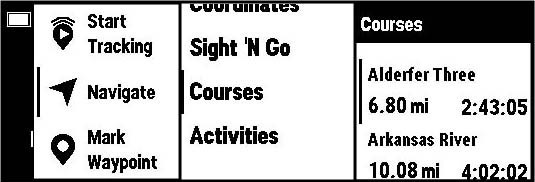
After you have navigated using the route, you can stop navigating, then select TracBack to track back to the start.
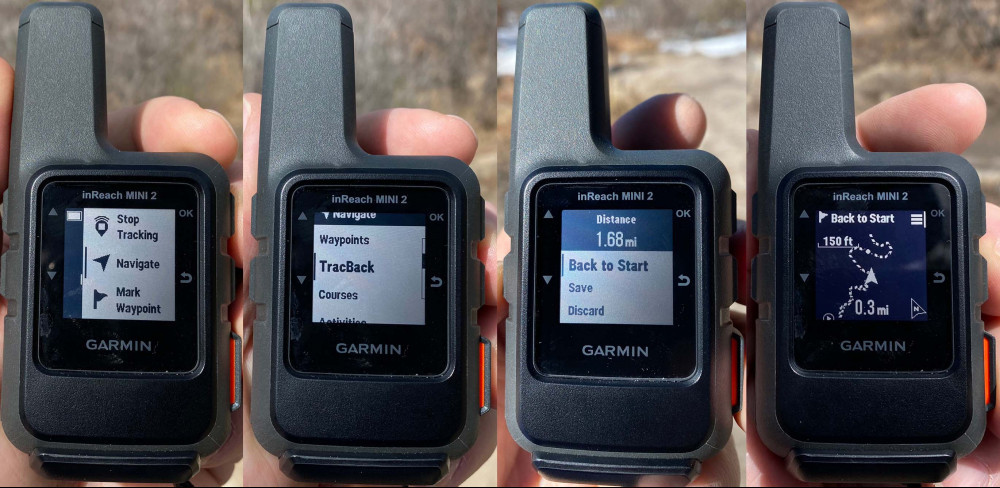
Turn Off Tracking, Track, then TracBack
This second way to TracBack is great if you have the Safety or Recreation subscription plan and don’t want to pay for tracking.
Go into your Mini 2 menu and go to SETTINGS, then TRACKING and turn tracking OFF.

Now, you can START TRACKING, but not be paying for it, that will allow you to TracBack if you get lost.
I hope this helps. Please leave a comment or question below.
Checkout this short YouTube video about how to do this.
No products found.
Return to Home Page