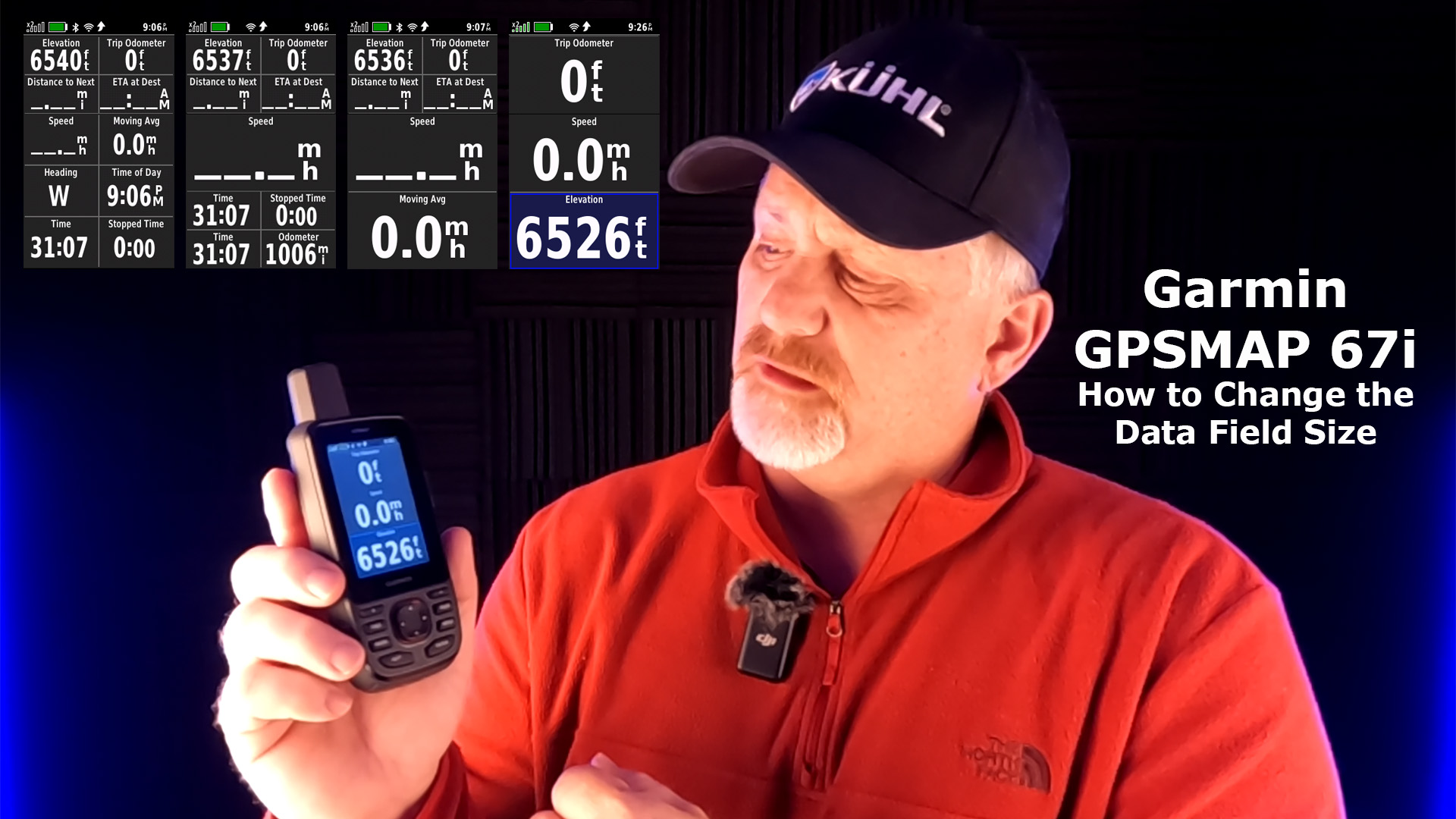
Let me show you how to change the data field size in your GPSMAP 67i.

Step by Step Setup
- Go into the Menu
- Select TRIP COMPUTER (10 data fields)
- Select MENU
- Select LESS DATA
- This will give you (9 data fields with one large data field)
- Select MENU
- Select LESS DATA (6 data fields)
- Select MENU
- Select CHANGE DASHBOARD
- Select LARGE DATA FIELD (3 large data fields)
- Now you can customize the data fields
Here are the data fields you will see from the default to the largest data fields.
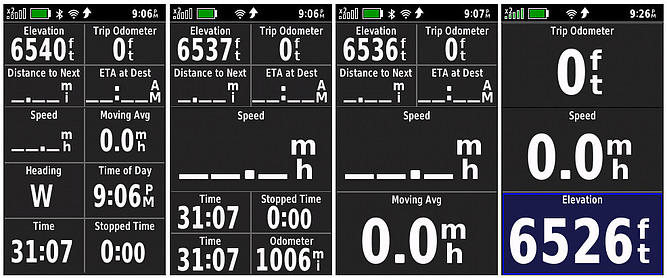
Final Fields
It’s really easy to change the data field size so let me know if you have any questions or have any comments.
Check out this short YouTube video for more information.
No products found.

Return to Home Page