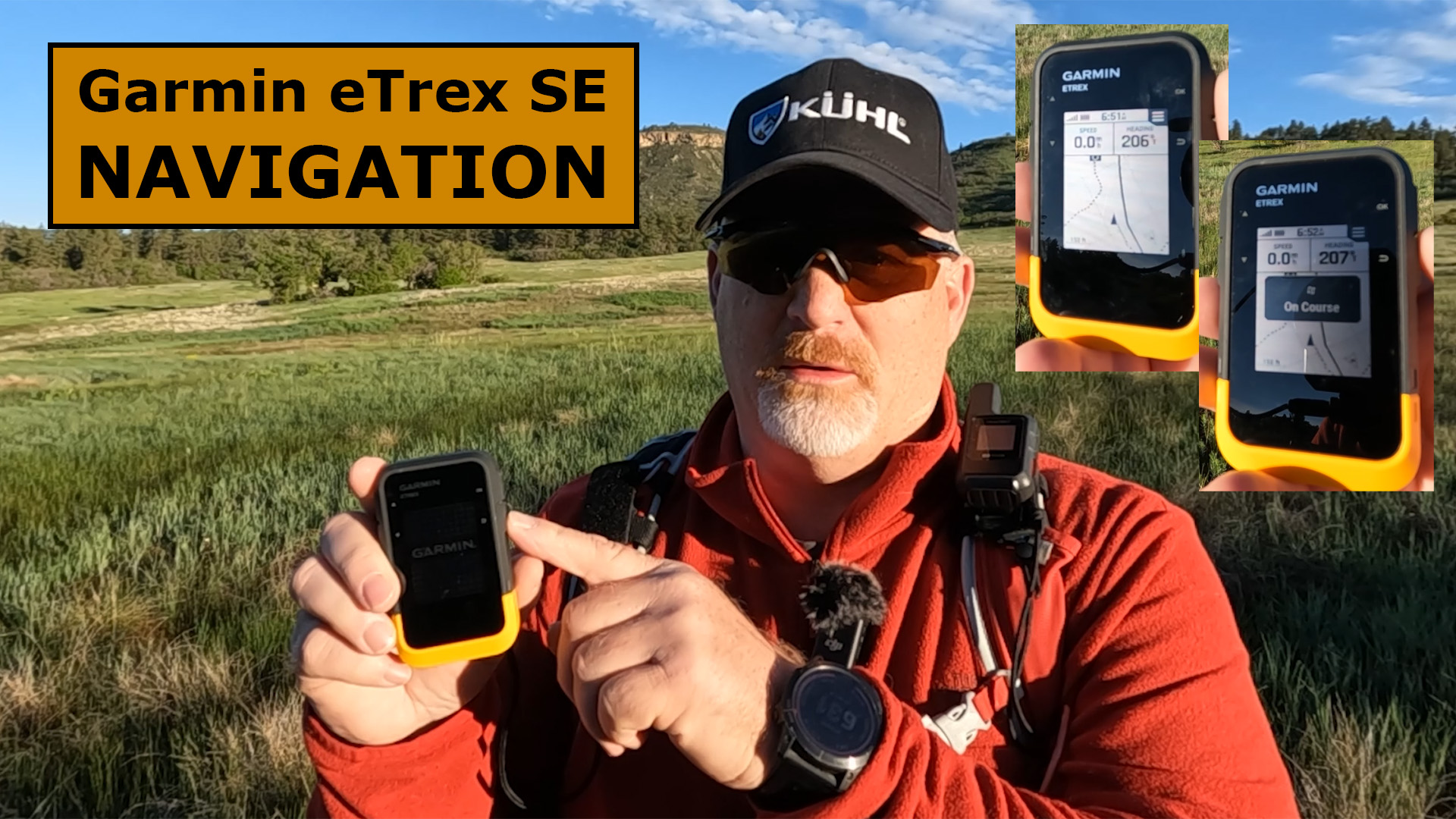
Here’s my Garmin eTrex SE Navigation Field Test.
Two Ways to Navigate
There are two ways to navigate with the eTrex SE.
- On the Device Itself, and
- In the Explore App
Personally, I prefer to navigate on the Explore App, but it’s best to know how to navigate on both.
Navigate Using the eTrex SE
Here are some images of what you can expect when navigating on the eTrex SE.
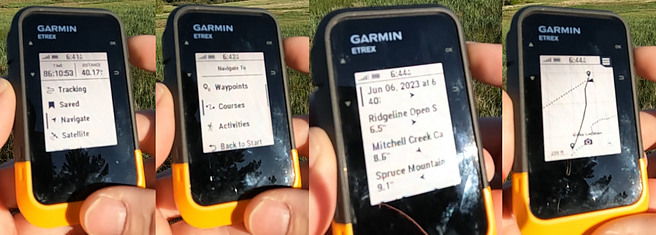
You can learn more about navigating on the eTrex SE at Support.Garmin.
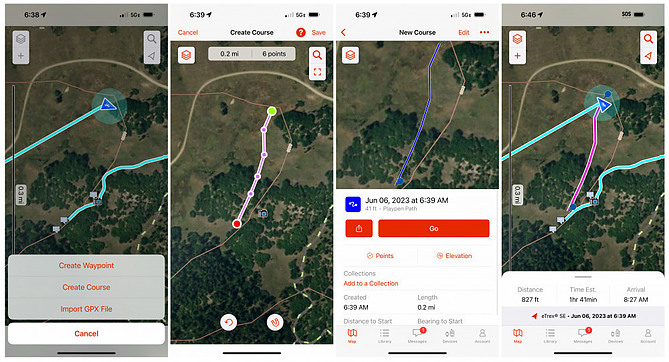
Navigate Using the Explore App
This is the easiest way to navigate with the eTrex SE, in my opinion, but you would have to rely on your smartphones battery, plus your phone won’t handle bad weather as satellite messengers that are built for tough climates.
Check out these images below of what you will see when navigating on the Explore App when synced to the eTrex SE.
Final Thoughts
Personally, I like the bigger, colorful screen you get when navigating with the Explore App on my smartphone, but if I were on a long outdoor adventure, I would primarily use the eTrex device itself.
Here’s a YouTube video of the navigation field test for more information.
No products found.
No products found.

Return to Home Page