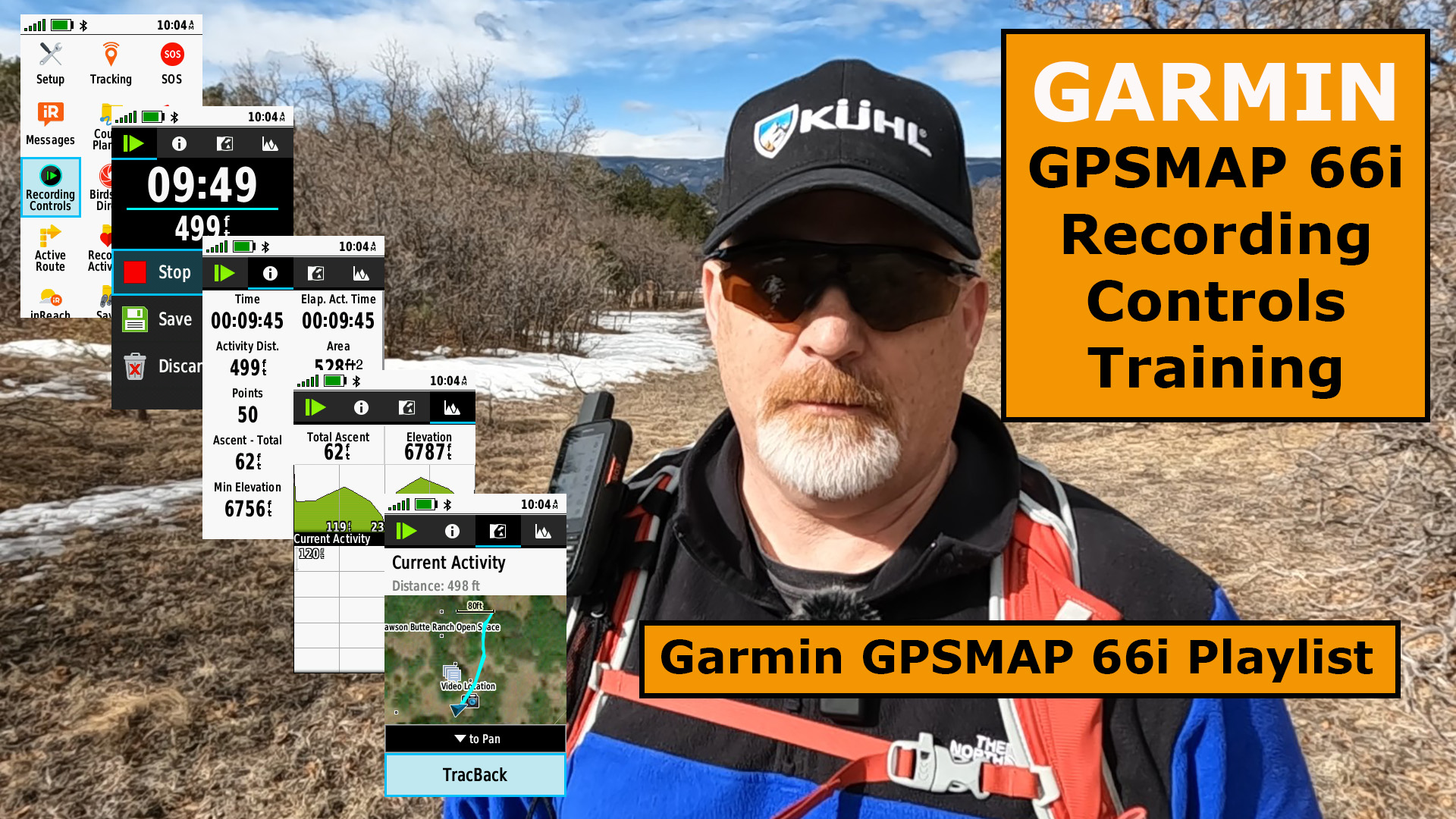
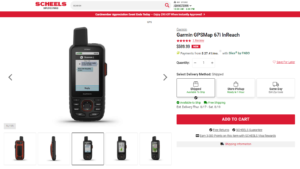
Here is another video in the playlist for the Garmin GPSMAP 66i Recording Controls Training. Watch the YouTube field test at the end of this article.
Hike Started from Truck
I threw on my pack and turned on my Garmin GPSMAP 66i and started on my short hike to reach the area that I was going to field test my GPSMAP 66i and the Recording Controls.
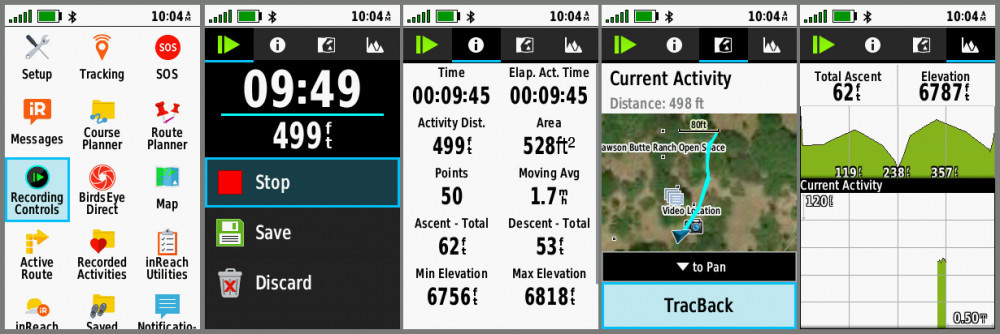
I noticed immediately after reaching the location I would start recording my video that the 66i was already recording my hike.
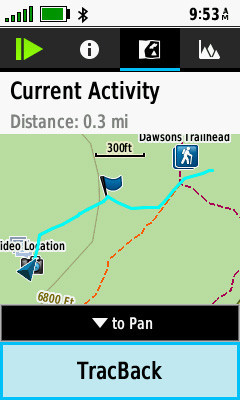
This is great because even if you forget to navigate or start tracking, you can TracBack to safety.
GPSMAP 66i Recording Controls
Whether you didn’t track, or you did track or were navigating, you can go to Recording Controls to learn more about your adventure, plus TracBack to your starting point.
Final Thoughts
There’s not a lot to add to what you can do with the GPSMAP 66i Recording Controls, other than it has great information and this is where you can select to TracBack if you find yourself lost.
It’s best to get out on a local trail and test this out to make sure you know everything about it.
Check out this field test YouTube video below.
No products found.
No products found.
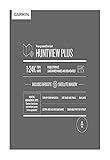
- Easy-to-use mapping solution for hunters and outdoorsmen – plug-in microSD card or download the mapping to a blank microSD card from home
- Identifies landowner names and boundaries for public/private land types and boundaries, using data from multiple sources for superior coverage and detail
- Digital topography equivalent to 1: 24, 000 scale U. S. Geological Survey maps
- Shows thousands of routable roads and trails with turn-by-turn navigation
- Includes searchable points of interest: parks, summits, geographic place names, camping areas, businesses, and more
This product was presentation was made with AAWP plugin.
No products found.
Return to Home Page