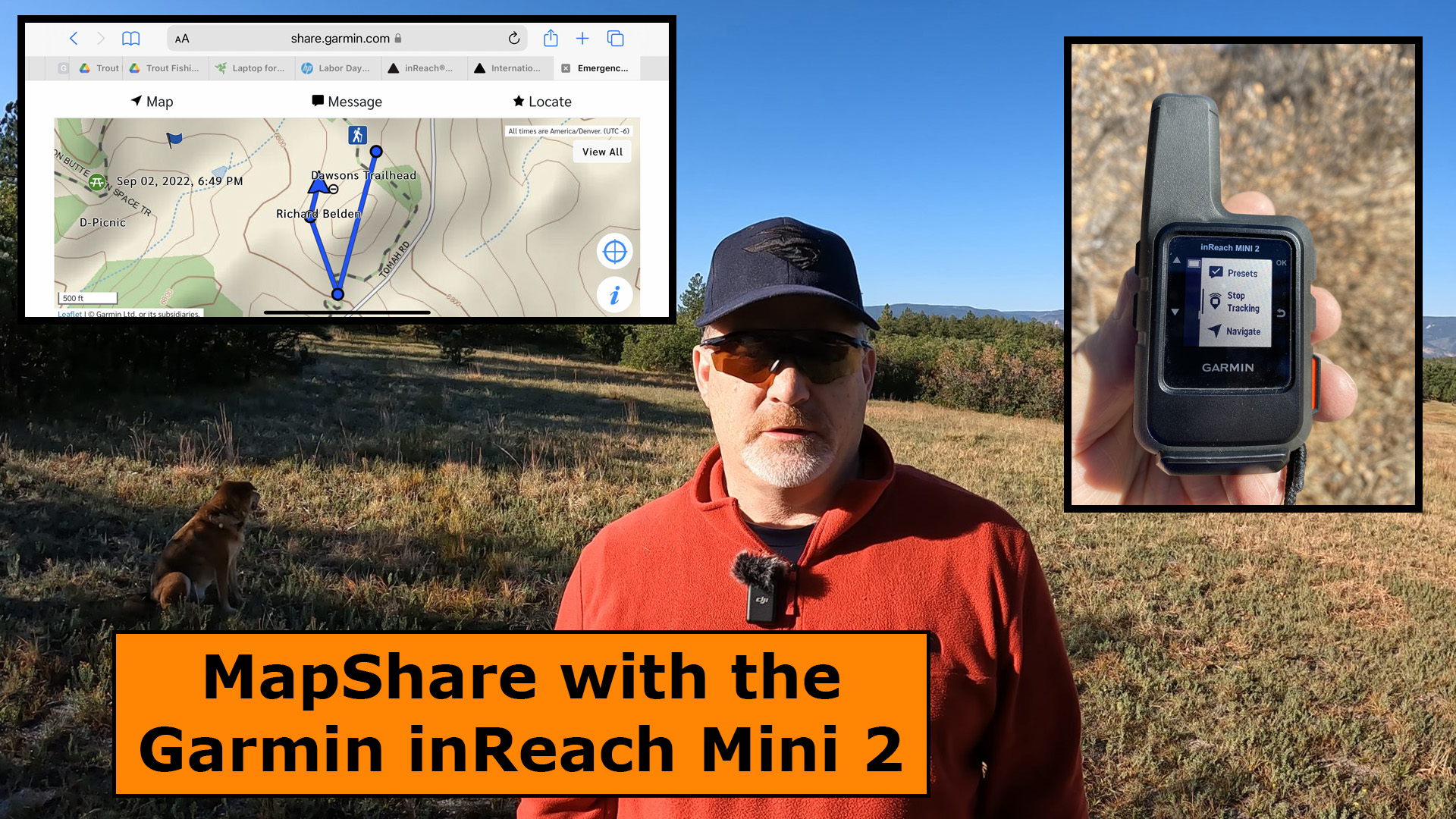
Using MapShare with Garmin inReach Mini 2 is an easy way for your family and friends to follow your outdoor adventure and will give them the peace of mind that you’re okay and will show them exactly where you are at all times, as long as you have tracking turned on.
MapShare Setup Before Hitting the Trail
Go into your Garmin User Page and click on the [Social] tab at the top right of the page.
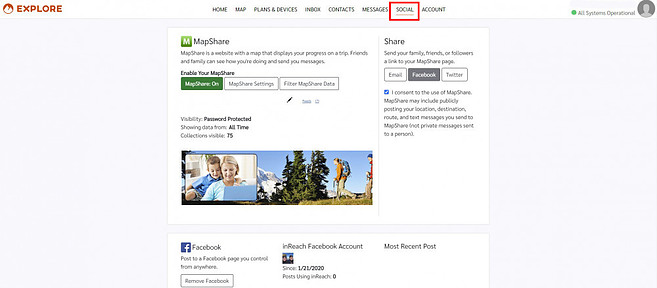
Take some time to decide how you want to share your location with Family and Friends. You can choose to share it publicly on FaceBook and Twitter or you can share it privately with a password via an email.
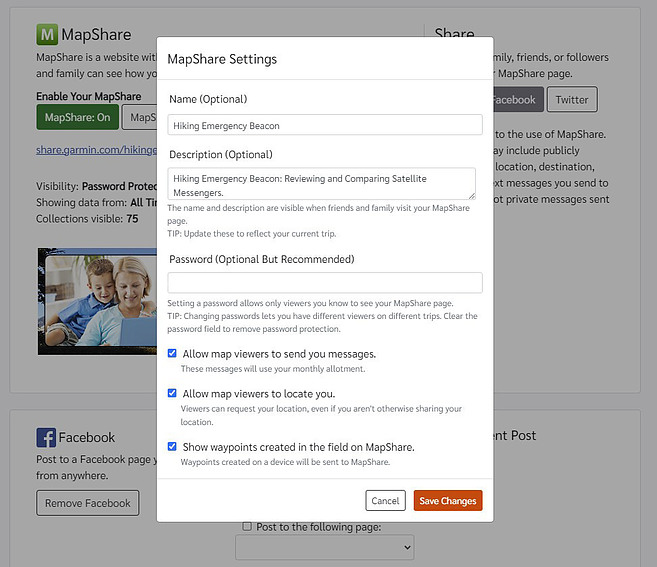
Once you take care of your MapShare settings, it’s time to head out on your adventure.
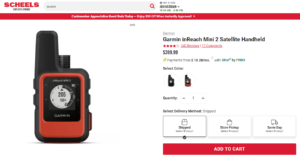
What You Need to do on Your Adventure
First, you have to turn on tracking, if you don’t have auto tracking on. I recommend you turn on Auto Tracking if you’re going to use MapShare. The reason I say this is you may forget to start tracking if it’s not on auto and then no one would be able to see your location.
Here are some screenshot of the Garmin inReach Mini 2 to show you where you need to go in the menu settings to turn AutoTrack on.

Next, go on your adventure, then when you’re finished you can turn Tracking or AutoTrack back off. I recommend turning AutoTrack off when your not on your outdoor adventure or it will keep tracking you while you’re at home.
How Your Family & Friends can See You
I chose to send the MapShare information to my family by email, rather then sending it to FaceBook and Twitter. The people you send MapShare to will receive an email like the one below.
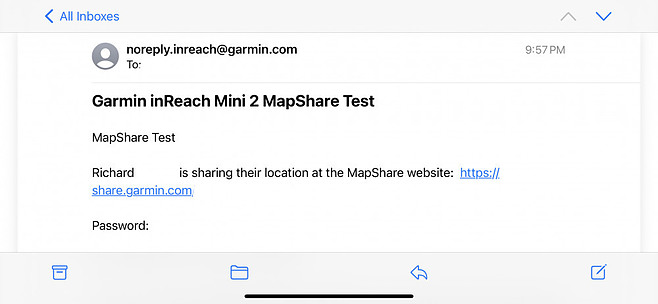
Click on the link in the email and you will be re-directed to the Garmin site where it will ask for a password if you set it up that way.
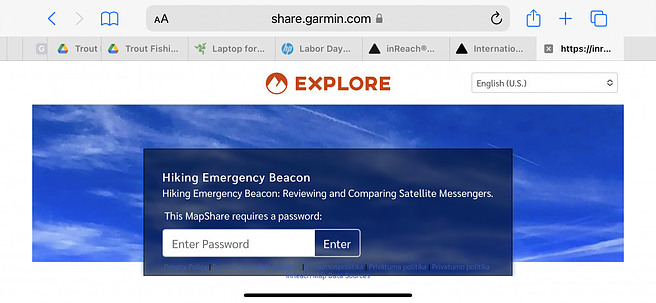
After you enter the password, the Garmin Explore map page will be displayed, and you should see something like this below.

That’s all there is to it, however, I strongly recommend you test this out close to home before heading out on your adventure to make sure everything is set up correctly.
Final Thoughts
MapShare is an extremely powerful tool and one that your family and friends will really appreciate. Check out this short YouTube video below of my field test of MapShare.
No products found.
No products found.
No products found.
Return to Home Page
My son passed away on backside of Peak 6, Breckinridge, Colorado on Aug. 27, 2022. Without his Garmin we would not have been able to locate him. Thank you Garmin for allowing us to locate our son. It meant everything to us and it aided in search and rescue being able to recover him. With gratitude, Sharon Bolster, mother of Zach Bolster, U. S. Navy DEVGRU
Thank you Sharon for sharing this with us.
Sincerely,
Rick Belden